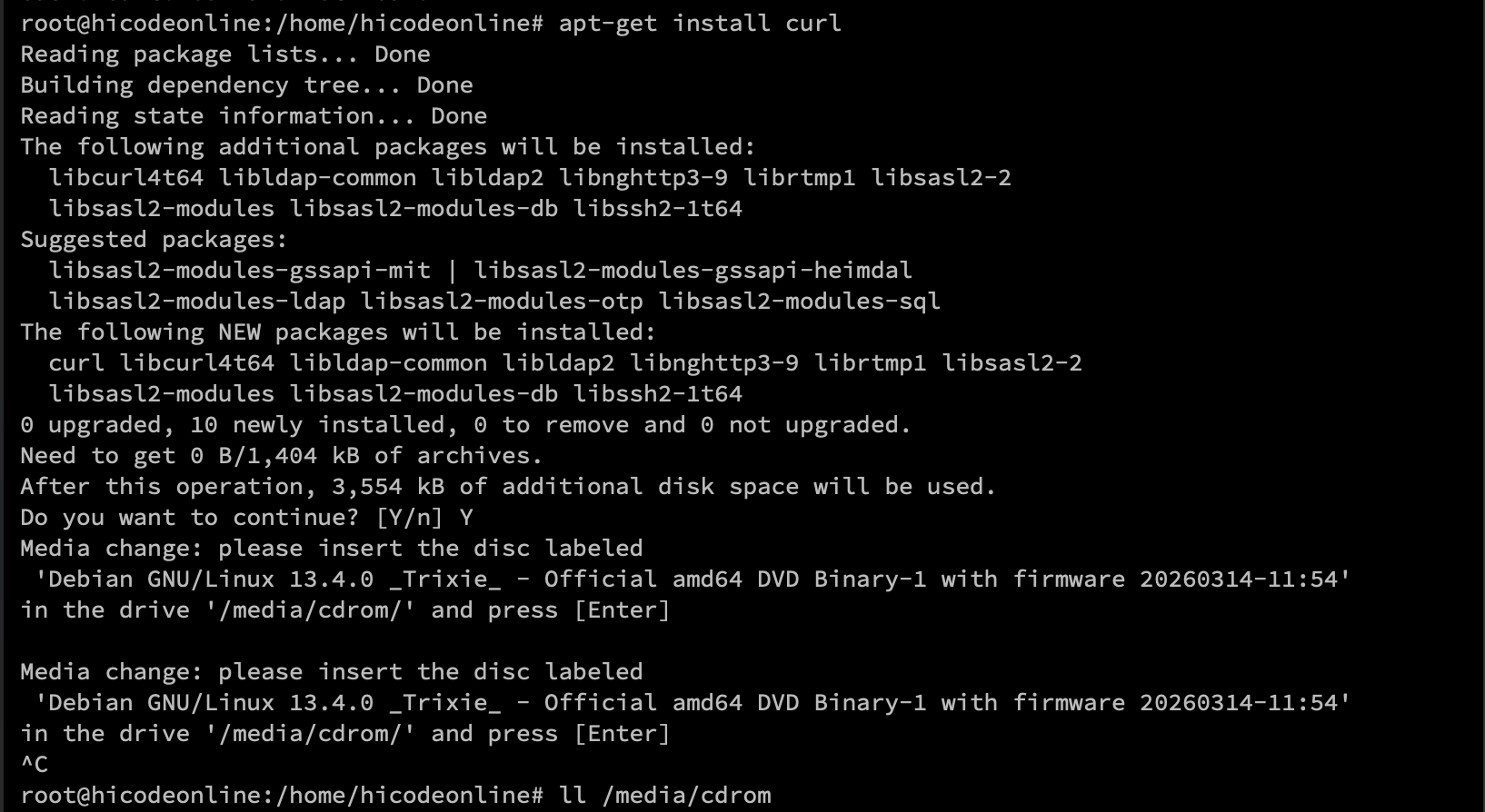
新安装的Debian13安装依赖是出现Media change:please insert the disc labled 'xxxx' in the drive '/media/cdrom/' and press [Enter] 导致安装失败
原创文章,转载请注明本文地址
Debian13
3
2026-03-19 22:30:23
问题描述
新安装的Debian13安装依赖是出现
Media change:please insert the disc labled 'xxxx' in the drive '/media/cdrom/' and press [Enter]
导致安装失败
解决方案
这是因为APT源配置中包含了CD/DVD源,但系统找不到光盘(一般出现在使用DVD完整镜像包安装的系统)。解决方法如下:
编辑 sources.list 文件
shell
nano /etc/apt/sources.list注释/删除掉包含 cdrom 的APT源
text
# deb cdrom:[Debian GNU/Linux 13.4.0 _Trixie_ - Official amd64 DVD Binary-1 with firmware 20260314-11:54]/ trixie contrib main non-free-firmware

deb http://mirrors.tuna.tsinghua.edu.cn/debian/ trixie main non-free-firmware
deb-src http://mirrors.tuna.tsinghua.edu.cn/debian/ trixie main non-free-firmware

deb http://security.debian.org/debian-security trixie-security main non-free-firmware
deb-src http://security.debian.org/debian-security trixie-security main non-free-firmware

# trixie-updates, to get updates before a point release is made;
# see https://www.debian.org/doc/manuals/debian-reference/ch02.en.html#_updates_and_backports
deb http://mirrors.tuna.tsinghua.edu.cn/debian/ trixie-updates main non-free-firmware
deb-src http://mirrors.tuna.tsinghua.edu.cn/debian/ trixie-updates main non-free-firmware
推出编辑器
Ctrl+O -> Enter -> Ctrl+X
使用cat验证
shell
cat /etc/apt/sources.list更新
shell
apt update 目录